
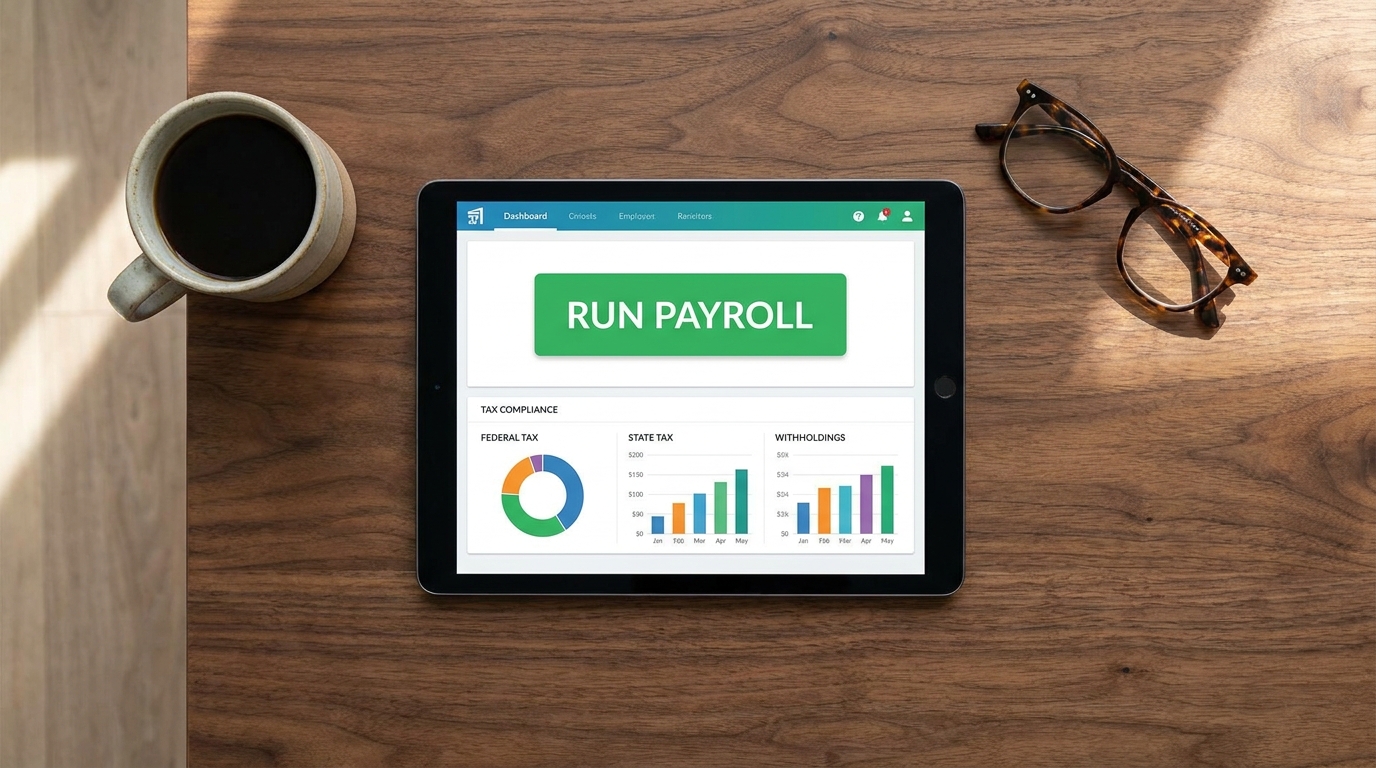
Best Payroll Software for Small Businesses: Automating Tax Compliance
As a Small Business Operations Consultant and Payroll Specialist, the most dangerous phrase I hear from new founders is, “I run the payroll myself to save money.” When a company has under 50 employees, it rarely has the budget for a dedicated, full-time human resources department. Consequently, running payroll without HR usually falls on the shoulders of the owner or an already-overworked office manager.
Trying to manually calculate state withholdings, track overtime, and remember federal deposit deadlines on a spreadsheet is not a badge of honor—it is a massive financial liability. A single miscalculation or missed deadline can trigger devastating audits and fines. In 2026, leveraging modern SaaS to handle your payroll is no longer a luxury; it is basic financial armor.
Here is an authoritative guide on why you must automate your payroll processes, the real cost of tax failures, and how the top software platforms in the market compare for small teams.
The High Stakes: IRS Tax Penalties for Payroll Failures
When you hire an employee, you are legally required to withhold income taxes, Social Security, and Medicare (FICA) from their paychecks. These withheld funds are referred to as “trust fund taxes” because you are holding the employee’s money in trust until you deposit it with the federal government.
The IRS does not offer grace periods for missing these deposits. If you fail to deposit employment taxes accurately and on time, you are immediately hit with the Failure to Deposit Penalty. The penalties scale aggressively based on how late your payment is:
-
1 to 5 days late: 2% penalty on the unpaid deposit.
-
6 to 15 days late: 5% penalty.
-
More than 15 days late: 10% penalty.
-
Ignoring an IRS notice: If you fail to pay within 10 days of receiving your first IRS notice, the penalty jumps to 15%.
More terrifyingly, if the IRS determines that you willfully neglected to pay these taxes, they can invoke the Trust Fund Recovery Penalty (TFRP). This allows the government to pierce the corporate veil of your LLC or S-Corp and hold you, the business owner, personally liable for 100% of the unpaid taxes.
This is exactly why deploying an automated payroll software small business solution is critical. The software removes human error from the equation entirely.
How Automation Solves Local and Federal Compliance
Modern payroll platforms act as your digital tax agent. When you run payroll, the software automatically calculates the exact gross-to-net wages, deducts the precise federal and state taxes, and automatically sweeps those funds from your business bank account.
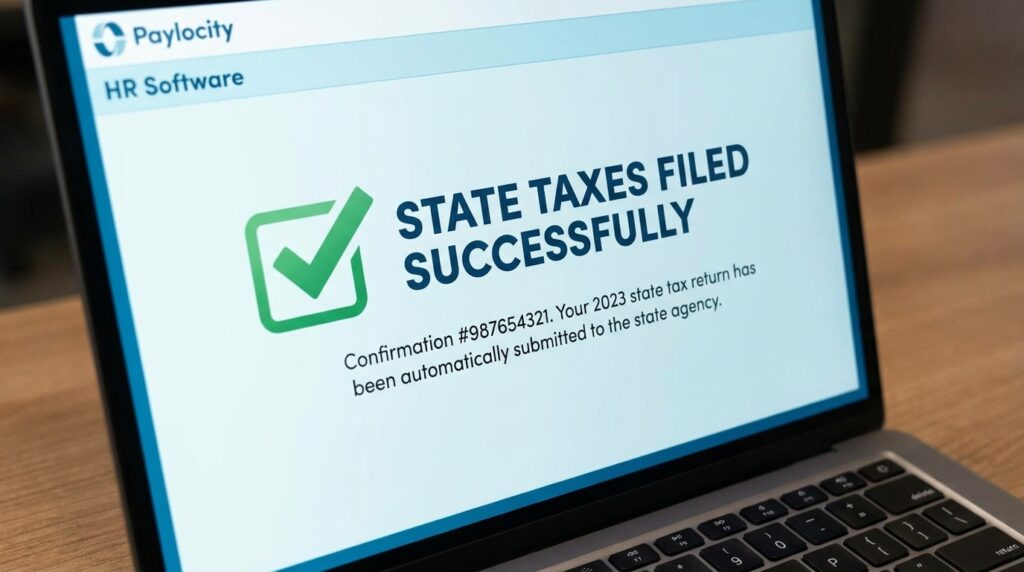
Crucially, the software then securely deposits those funds with the appropriate government agencies on your exact required schedule (semi-weekly or monthly). It also files your quarterly 941s and annual 940s without you ever having to lick a stamp or fill out a PDF.
Furthermore, compliance gets incredibly complicated at the municipal level. An elite platform acts as your local tax compliance software, automatically adjusting withholdings based on the employee’s physical work address and home address. If your city has a specific local wage tax, or your state has complex Unemployment Insurance (SUI) rates, the software calculates it automatically.
Gusto vs QuickBooks Payroll: The Small Business Heavyweights
When evaluating the market for companies under 50 employees, the conversation almost always boils down to a gusto vs quickbooks payroll comparison. Both are titans in the industry, but they serve slightly different operational workflows.
QuickBooks Payroll
If your business is already deeply entrenched in the Intuit ecosystem and relies on QuickBooks Online (QBO) for all your accounting, QuickBooks Payroll is a natural fit.
-
The Pros: It offers seamless, native integration with your general ledger. When payroll runs, your accounting books are instantly updated with zero manual journal entries. It also offers next-day direct deposit for fast cash flow management.
-
The Cons: QuickBooks has a notoriously steep learning curve for users who are not versed in accounting principles. Additionally, their customer support can be inconsistent, and costs scale up quickly as you add supplemental HR features.
Gusto
Gusto was built from the ground up specifically for small businesses that do not have an HR department. It consistently ranks as the most intuitive platform on the market.
-
The Pros: Gusto’s user interface is incredibly modern and easy to navigate. It calculates and files all taxes seamlessly, but its true superpower is its built-in HR features. It automates digital onboarding, allows employees to self-onboard their direct deposit information, and seamlessly integrates benefits administration (health insurance, 401k).
-
The Cons: Gusto does not have the native, deep accounting integration of QuickBooks (though it does sync with QBO and Xero), and its higher-tier support requires premium pricing plans.
Alternative Mention: OnPay
If you are an employer with a highly distributed workforce operating across multiple states, OnPay is an excellent alternative. Unlike some competitors that charge extra fees for multi-state tax filings, OnPay includes nationwide payroll capabilities in its transparent, single-tier pricing model.
Seamlessly Handling the Blended Workforce
One of the defining characteristics of a modern small business is the “blended workforce.” A typical digital marketing agency or consulting firm might have 15 salaried W-2 employees, 5 hourly W-2 employees, and 10 independent 1099 contractors (like freelance graphic designers or copywriters).
Historically, paying contractors required cutting physical checks or using a separate accounts payable system, creating an administrative nightmare at year-end. Today’s top platforms offer a unified w2 and 1099 payroll system.
Within Gusto or QuickBooks, you can add a contractor to the same exact payroll run as your salaried employees. The software is intelligent enough to treat them differently:
-
For the W-2 Employee: It calculates overtime, deducts health insurance premiums, withholds FICA taxes, and deposits the net pay.
-
For the 1099 Contractor: It bypasses all tax withholdings and simply deposits the gross invoice amount directly into the contractor’s bank account via ACH.
At the end of the year, the software automatically generates and distributes digital W-2 forms to your employees and 1099-NEC forms to your contractors, while electronically filing copies with the IRS.
Final Thoughts for Small Business Owners
Your time as a founder or office manager is the most valuable asset your company has. Spending four hours every two weeks manually calculating wages and filling out tax deposit coupons is a catastrophic waste of resources. By investing in an automated payroll platform, you eliminate the threat of IRS penalties, streamline your accounting, and guarantee that your team gets paid accurately and on time, every single time.
Financial Disclaimer: The information provided in this guide is for educational and informational purposes only and does not constitute certified financial, tax, or legal advice. Tax regulations, IRS penalty structures, and software features change frequently. Always consult with a licensed CPA or tax attorney regarding your specific business compliance requirements before selecting a payroll provider.